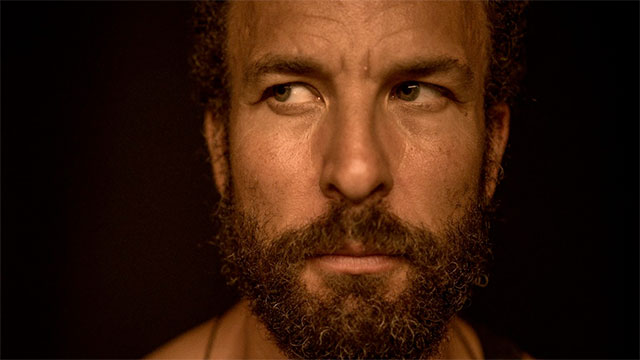
Careers in Music: Jon Theodore of Queens of the Stone Age
Meet the man on the throne for the Josh Homme supergroup and learn how he uses V-Drums with traditional percussion to create sonic landscapes.Read more…
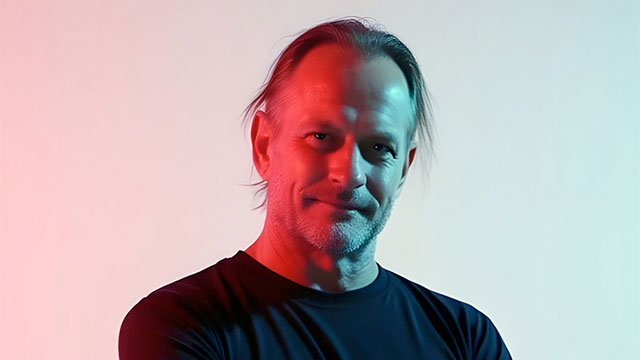
Careers in Music: Dan Nebe of Team Musicare
Learn how the pandemic-born music organization provides “inclusive, real-world creative arts experiences" in this exclusive conversation.Read more…

A Few Minutes with RUMPUS
The Canadian DJ discusses how he infuses his EDM sets with a raw punk rock edge, blending high-energy beats with live drumming on V-Drums and an SPD-SX.Read more…
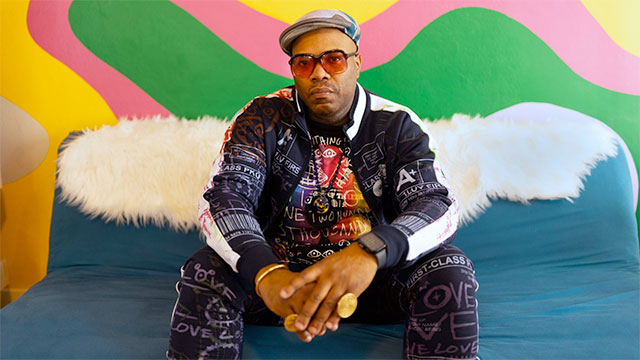
Hybrid Theory: Daru Jones
Daru Jones has a style all his own. The hybrid drummer discusses touring with Jack White, custom kits, and the importance of individuality in hip-hop.Read more…

Living the Stream with Mitch Bruzzese
The online star shares secrets about gaining his Twitch fandom, his hi-tech setup, and what inspires him and what inspires him about livestreaming.Read more…
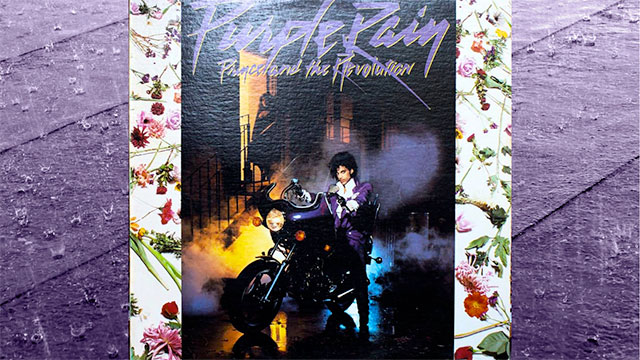
Behind the Beat: “Purple Rain” by Prince
The “Purple Rain” drum parts by Bobby Z. provide a classic example of how to play a power ballad for maximum emotional impact.Read more…
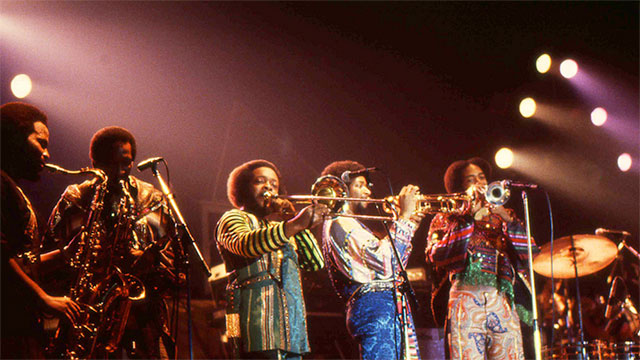
Behind the Beat: “Let’s Groove” by Earth, Wind & Fire
The drumming on the eternally funky “Let’s Groove” demonstrates how powerful disco rhythms can make listeners get up and move.Read more…

Hybrid Theory: Josh Manuel with Kane Brown
Josh Manuel discusses hybrid drumming and how he uses Roland electronic gear to enhance his performances with Kane Brown.Read more…

Behind the Beat: “Mellow My Man” by The Roots
Explore the history and sound of the Roots' beloved track, “Mellow My Man,” and learn to play some of drummer Questlove's iconic patterns.Read more…
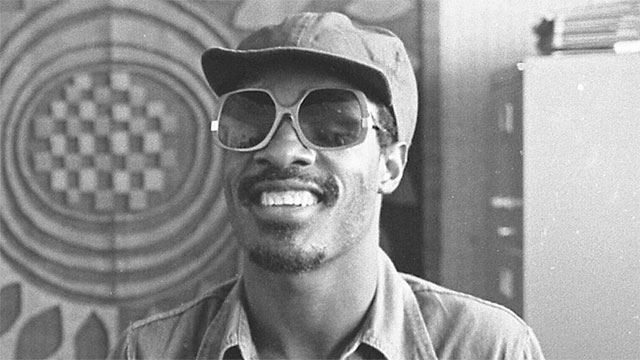
Behind the Beat: “Superstition” by Stevie Wonder
The "Superstition" groove reminds us that, alongside his songwriting and musicianship, Wonder is one of the greatest drummers around.Read more…

Behind the Beat: “Walk This Way” by Aerosmith
The “Walk This Way” beat dances around the guitar and vocal rhythms to create one of the most memorable grooves in rock and hip-hop.Read more…
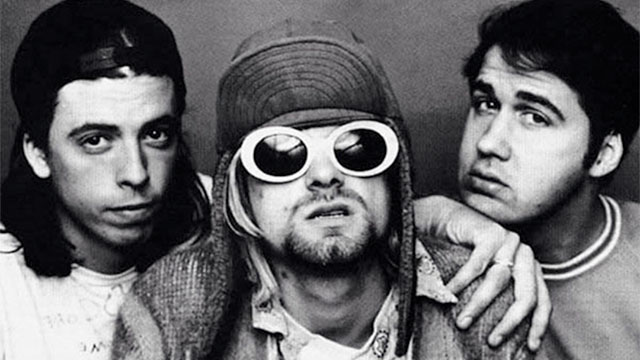
Behind the Beat: “Come as You Are” by Nirvana
Explore how the themes and drums on “Come as You Are” intertwine, then download the V-Drums kit to capture the Nevermind drum sound.Read more…